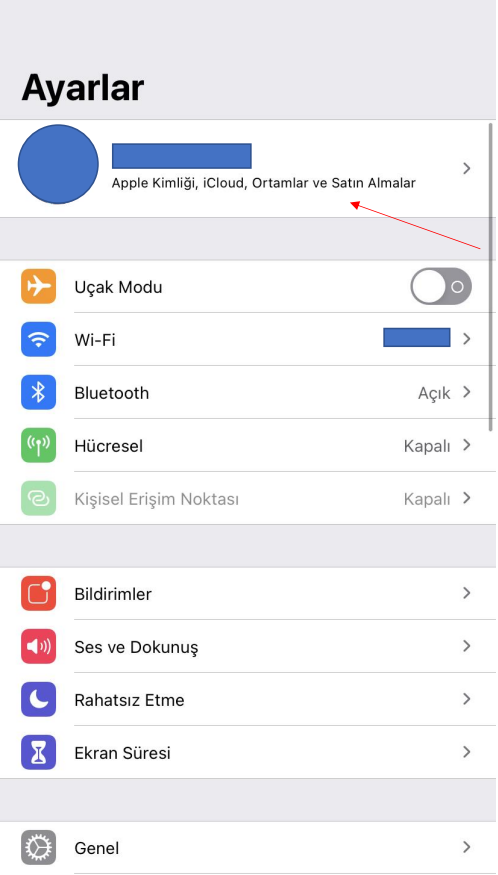
If you are getting an error after choosing the option to login with Apple ID, go to the settings of your Apple phone and follow the steps below.
- Open the settings screen of your Apple phone. Enter the Apple ID tab.
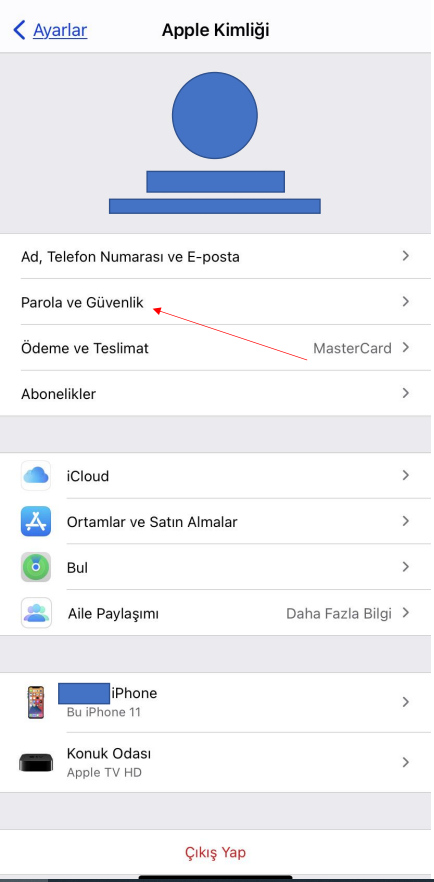
- Enter the Password and Security tab.
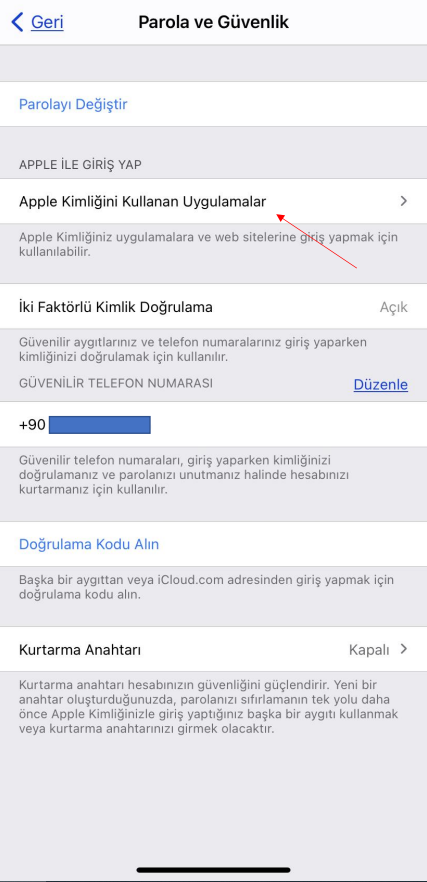
- Go to the Apps Using Apple ID tab.
- Select the Yogini app.
- You can update the Yogini app login settings with the “Stop Using Apple ID” option.
If you wish; You can get support with the following guidance images.